
Yancey County VINE Arrest Coverage
North Carolina runs its statewide service under the name NC SAVAN. That stands for Statewide Automated Victim Assistance and Notification. VINE and Appriss power it. The NCDAC NC SAVAN program page covers county jail inmates, state prisoners, probationers, parolees, and registered sex offenders. You can reach it online or by calling 1-877-NC SAVAN, written numerically as 1-877-627-2826. Help comes in English and Spanish, with translation for other languages.
Yancey County is wired into this system through local data. It is not a bare national lookup. The feed's sheriff records carry the site identifier NCSWVINE. They also carry the agency identifier NCYANCEYSO and VINEServ/Appriss image links. Those markers connect the Yancey County Sheriff's Office booking system to the statewide VINE deployment. The link matters. VINE depends on updates from the jail or the state system. It is not an independent record created at the moment of arrest.
The official NC SAVAN overview shows how the state presents custody notification and support.
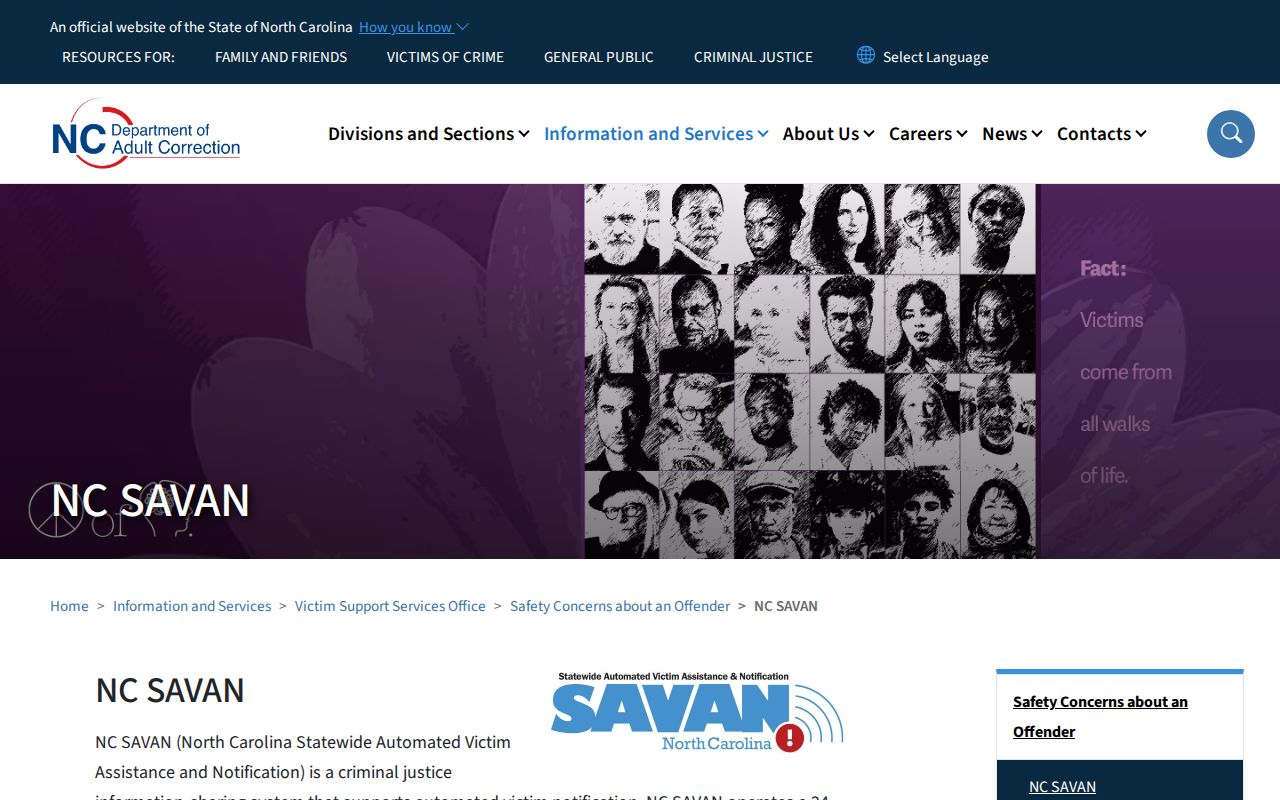
The state page is the clearest place to confirm the service name, the public phone route, language help, and what custody alerts actually do.
Check a Yancey County Arrest
Start at the official North Carolina VINELink person search. The screen is client-rendered, so labels shift over time. Fill in whatever name or identifier fields the live form asks for. A narrow Yancey County search helps when common names return several matches. Still, a near match is not automatically the right person. Compare the facility, the status, and the record identifier. Check any date shown too. Commit to a record only after those line up.
- Open the North Carolina person-search route. Confirm that North Carolina is the selected state.
- Enter the person's name or another identifier accepted by the live form. Check spelling and known name variants.
- Review all matches. Compare the displayed agency or facility and dates instead of choosing by name alone.
- Open the likely record and read its current custody status. Note when that status was last reported.
- If the record is eligible, select the notification choice to register for later custody changes.
No result does not mean no arrest happened. A fresh booking may not have reached VINE yet. A released record can display differently, and the person might sit in another system entirely. For local arrest detail, the Sheriff's booking source offers more. The Yancey County recent arrests hub lays out that official booking path.
The North Carolina VINELink search screen shows where the person search begins. It appears before any private details get entered.
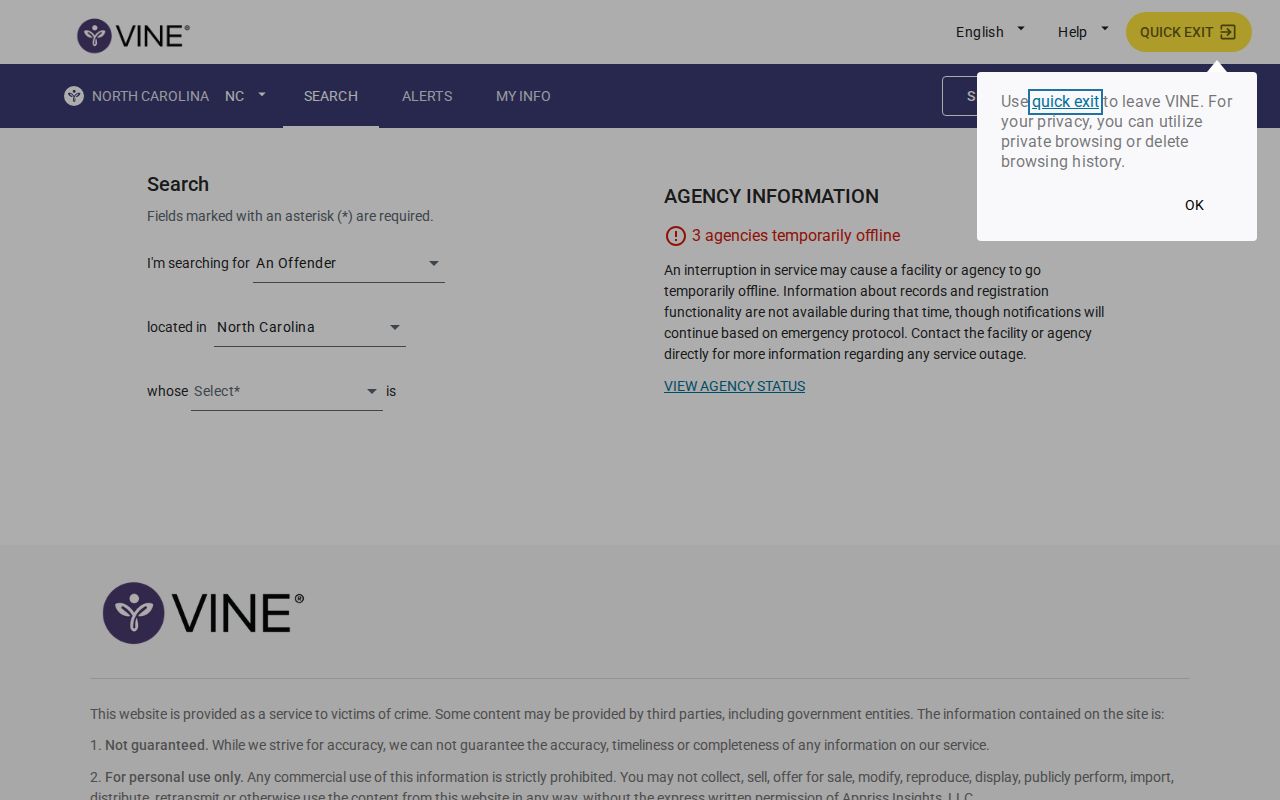
The search interface matches one person to a custody record. It is not a gallery for browsing arrested people.
Yancey County VINE Record Fields
A VINE result is built around custody and notification. It may show less detail than the Yancey County Sheriff's arrest feed, which carries booking, charge, bond, agency, release, and photo fields. Exact VINELink fields depend on the record and the current state interface. Read status and date together. A status with no fresh update time can mislead during a fast release or transfer. Timing shapes what the result is worth.
| Result field | How to read it |
|---|---|
| Name or record identifier | Use it to distinguish people with similar names; never rely on the name alone. |
| Custody status | Shows the reported custody state received from the participating jail or state system. |
| Facility or agency | Helps separate Yancey County detention from a state correctional location. |
| Status date | Indicates when the displayed status was reported, which may lag the actual event. |
| Notification option | Appears on an eligible record and leads to the alert registration flow. |
A custody alert never settles a charge. The court's final recorded outcome lives in North Carolina eCourts or the Clerk's record, not in a notification result.
Register Yancey County Custody Alerts
Searching and registering are two different actions. First select the correct eligible record, then choose the notification option on the live screen. The NCDAC SAVAN policy lists phone, email, text, and TTY channels. Which choices appear depends on the interface for that record. Do not expect every channel every time. Phone and TTY registration usually rely on a personal identification number, called a PIN. That PIN manages and confirms alerts.
- Open the matching record and choose “Get Notified” or the comparable alert option shown on screen.
- Select one of the contact methods offered for that record, such as phone, email, text, or TTY.
- Enter the required contact details. Create and retain a PIN when the phone or TTY flow requests one.
- Review which custody events the registration covers, then complete the confirmation shown by the system.
- Keep the registration details available so the alert settings can be checked or changed later.
State policy allows anonymous or confidential registration, and the person in custody is never told who signed up. The system reports custody changes like release or transfer. It is not general news. It also cannot replace a personal safety plan. NCDAC lists a victim-support number, 1-866-719-0108, alongside the statewide notification line.
The VINELink notification flow begins once an eligible person record is selected.
The live record itself controls the contact options and any PIN step that comes after the alert entry point.
Why Yancey County VINE Connects
The county's own data tells the story here. The official Yancey County feed lists NCSWVINE as its site ID. The agency ID is NCYANCEYSO. It also flags classicVINE as false. Booking photos travel through Appriss-related VINEServ paths. That points to a true integration rather than a hand-copied arrest list.
Integration does not mean the two services do the same job, though. The Sheriff feed is about arrest and booking records, with charges and photos attached. VINELink exists to find someone held in a participating custody system. It also lets users sign up for alerts. Want a booking photo? Go to the Sheriff source. The notification screen is not an image archive.
Timing is the other weak spot. Yancey County publishes no refresh schedule and no posting deadline. An arrest must move from the booking system into the public service first. Updates are often quick. Neither the county nor the state source promises they will be instant.
Note: The feed identifiers prove Yancey County participates in VINE, but participation does not promise that every arrest, older record, or alert option appears.
Separate County and State Custody
The Yancey County Detention Center holds people awaiting trial. Others are serving short sentences there. Some await transfer to the North Carolina Department of Adult Correction. A fresh booking shows up in the Sheriff system first. State prison or state supervision is different. At that point NCDAC becomes the relevant source. NC SAVAN can surface both county jail and state records. The custody type behind a result still matters.
- Booking
- The intake process after an arrest, when identity, charges, and custody details are recorded.
- Transfer
- A move from one facility or custody system to another.
- Release
- A reported end to custody at the listed facility; other legal obligations may still exist.
- Disposition
- The court’s recorded outcome, which is separate from VINE custody status.
Here is one more wrinkle. A released person can vanish from a current-custody view. The booking record stays in the Sheriff feed, though. A state prison sentence belongs in the NCDAC offender system. County detention, state custody, probation, and parole are four different statuses. Always check the facility name and the update date before drawing a conclusion.
Confirm Yancey County Arrest Status
VINE only knows what jails and state systems send it. A new booking, a transfer, or a release can lag behind. Some record types never appear at all. For a same-day Yancey County arrest, the Sheriff feed comes first. The Arrested Today page walks through that route. A direct custody question? Call the Yancey County Sheriff's Office at 828-682-2124. The office and detention center share an address: 4 East Main Street, Burnsville, NC 28714.
Federal cases sit outside this path entirely. A federal sentence calls for the Federal Bureau of Prisons locator. Immigration detention uses the separate ICE Online Detainee Locator System. Neither replaces a North Carolina SAVAN search. VINE is not a court docket, so it cannot give the final outcome of a case.
A practical order works best: Sheriff booking source, then VINELink status, then a direct call to the jail, then the matching court or correctional system. Each step answers a different question. That discipline cuts down mistaken identity and keeps an old booking record from reading as current confinement.
Public Record Search
Sponsored Results